AI photo renders
The Realistic Photo export (🎨) turns your 3D scheme into a photorealistic render — grass, materials, sky and light — for covers, brochures and client decks.
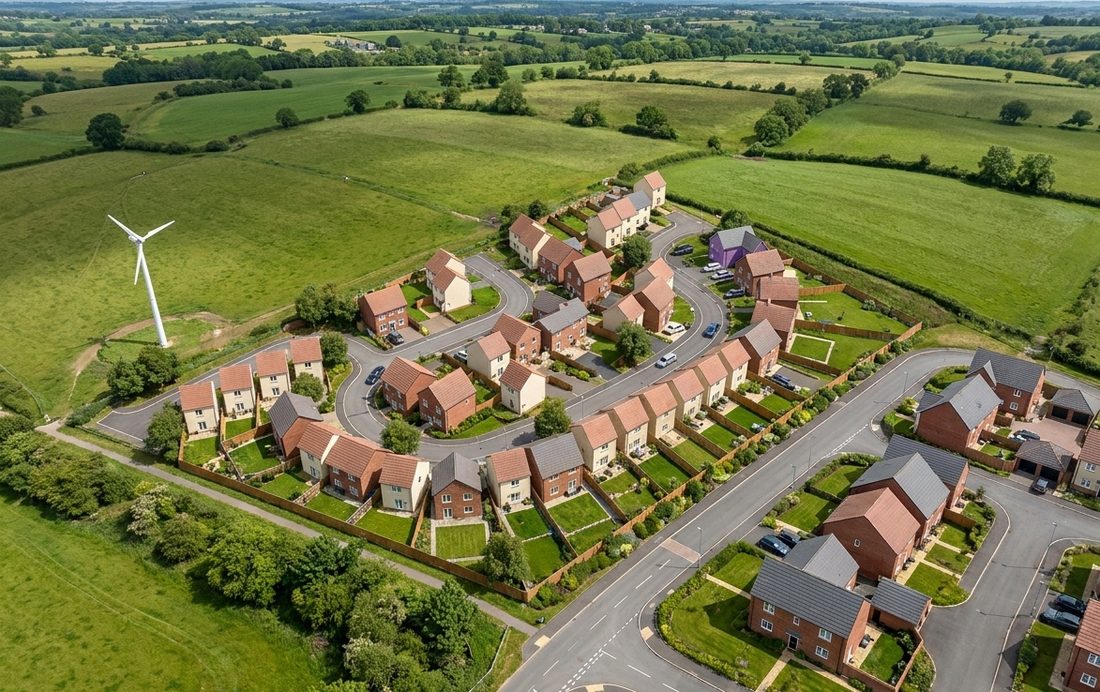
How to render
Switch to the 3D view, frame the scheme how you want it, then open the Export section and choose Realistic Photo. Airship captures the view and generates a photorealistic version.
Best results. Frame a clear three-quarter view with the whole scheme in shot and good separation between buildings. A lighter background in the captured view produces the most photorealistic result.
How many you get. Every plan includes AI renders: three a calendar month on Free, 25 on Pro, 100 on Studio and 300 on Enterprise. See Plans & billing.
Try it on your own site
Turn a boundary into an optimised UK layout in minutes — free to start.
Open the app →