Designing an outdoor event site
Airship Site Designer builds three kinds of scheme. Alongside housing estates and supermarket schemes it lays out a UK outdoor event site: the arena, the campsite, the car parks, the stages, toilets, bars and barriers, the trackway and the emergency route — placed on your boundary, sized from the attendance, and checked against UK event guidance with the basis of every figure on show. Events mode is in Beta.
Choosing the kind of scheme
When you start a new design the dashboard asks what you are creating today. Pick UK Outdoor Event Site — "stages, camping, car parks, routes and welfare, sized from the attendance by UK event guidance, with the basis of every quantity". The choice is saved with the project, so an event site always reopens as one.
Who it is for
Organisers and site managers drawing up a site plan for a Safety Advisory Group, production teams laying out the build, landowners and agents testing whether a field can take an event of a given size, and anyone who has to put a number against "how many toilets" and say where it came from.
What changes
- The sidebar opens with the view phase, Show the site during All · Build · Live · Derig, under the intro and above 1 · Site Boundary.
- The sidebar swaps house types for 4 · Event (🎪 Attendance & demand…) and development costs for 10 · Event budget (💷 Hire schedule… and 🏷 Hire rates…).
- The tools palette gains the 🎪 Event menu — Place object…, Draw zone…, Attendance & demand…, Stage builder…, Hire schedule…, Hire rates…, the three barrier runs and the Trackway — and a 🎪 Zone… picker.
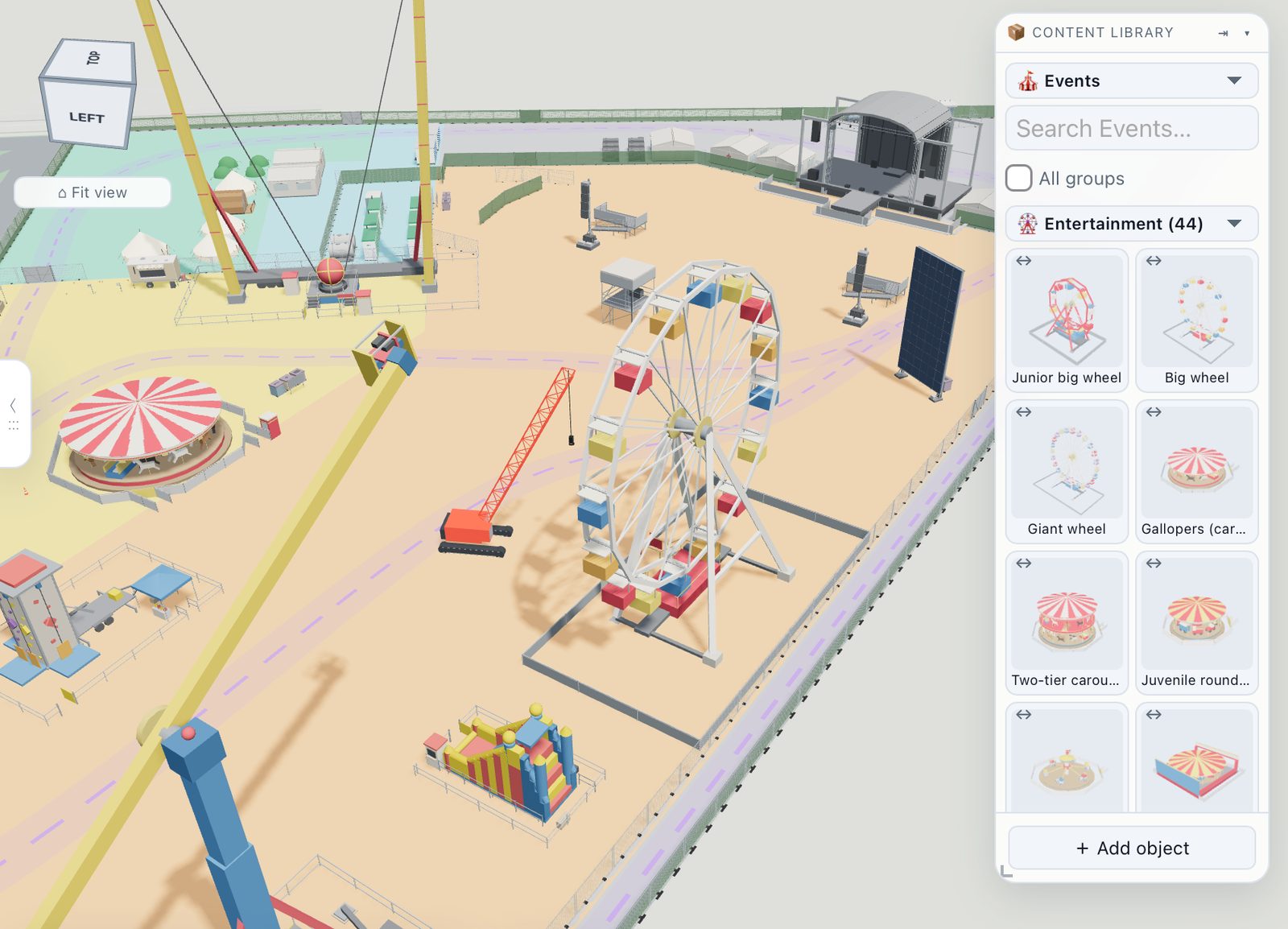
- The object library shows the seven event categories (Performance, Structures, Welfare, Medical & safety, Bars & traders, Entry & movement, Waste) and nothing from the housing catalogue.
- The stats tiles read Attendees, Toilets (provided / required), Car spaces, Site (ha), Road (m) and Fencing (m).
- The compliance checks are the event rule pack — provision against demand, exits and travel distances, the fire-appliance route, extinguishers, walking routes and the queue at the gate — instead of the highways set. The housing appraisal and the highways checks are hidden.
What stays the same
Draw or import the boundary, set the entrance, search the map, drop in a CAD survey. Every tool you already know — editing, fences and walls, water, trees, measuring, sketch views and sheets, the 3D view, the GIS overlays, the AI renders, sharing, comments and live collaboration — works exactly as it does on a housing site.
Every figure says what it rests on
Nothing in Events mode is a hidden heuristic. Each quantity — a toilet count, an exit width, a walking distance, a hire rate — carries a basis (what it rests on, in our words), a source you can open, the kind of authority behind it and how well we were able to check it. The badges are explained under Attendance & demand, and every source is listed with its status under Sources.
Try it on your own site
Turn a boundary into an optimised UK layout in minutes — free to start.
Open the app →