Download a pitch list
Vendor names are kept out of the design itself. No PDF, sheet, image, DXF, schedule, tag or object-data table shows which trader is on which pitch. To hand that list to stewards or a safety advisory group, use Download pitch list (CSV) in the Vendors sidebar.
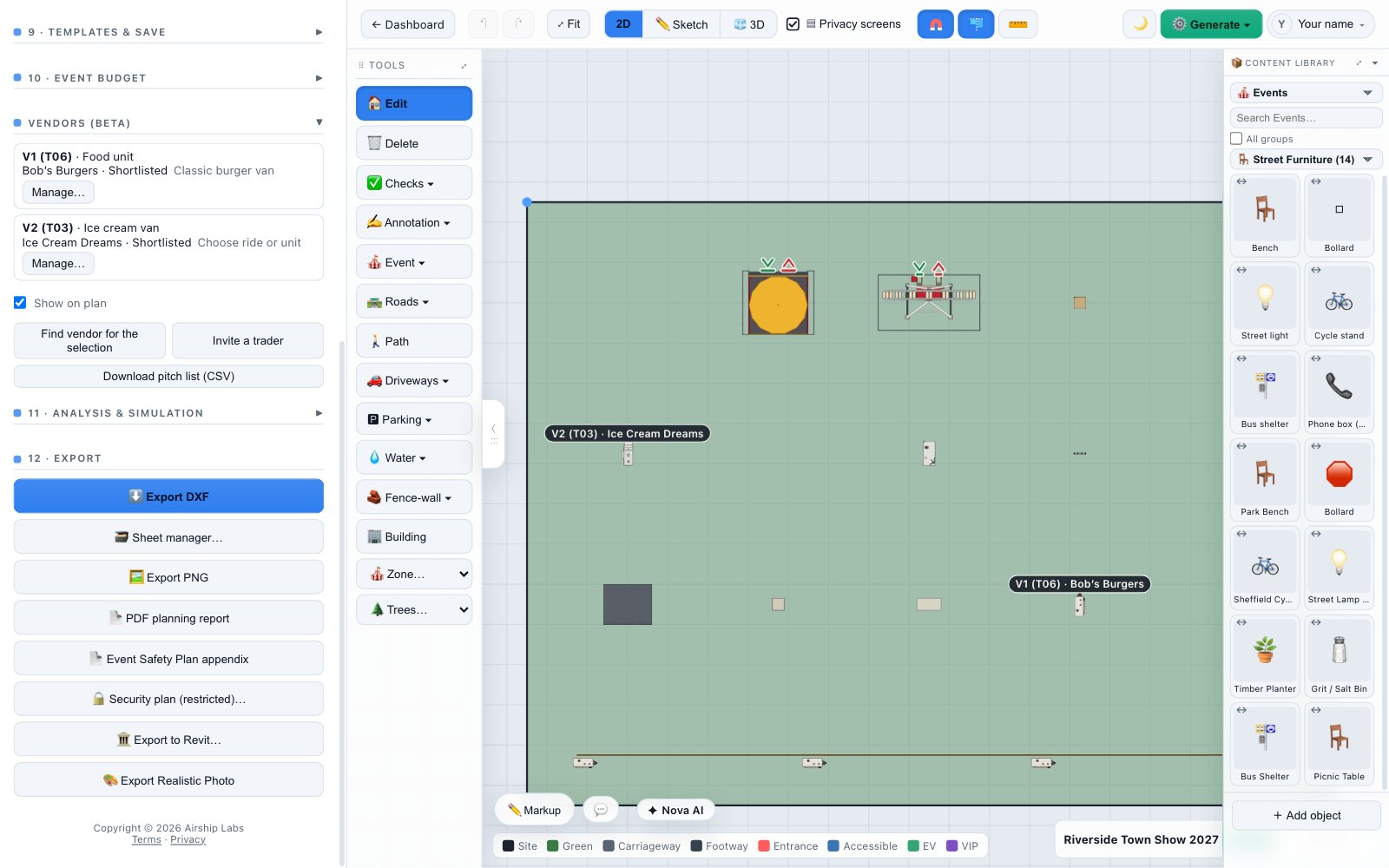
What is in it
| Column | What it holds |
|---|---|
| Label | The pitch label, V1, V2… |
| Mark | The object's live mark, where marks are in use |
| Object | The object's name on your plan |
| Vendors | The shortlisted vendors, separated by semicolons |
| Listings | The listing chosen for each, where there is one |
| Stage | Each vendor's stage on the pitch: Shortlisted, or with quote requests on, Requested, Quote v1, Booked and so on (see Ask a vendor for a quote) |
The file is made from what you see when you press the button. A cell that would start with =, +, - or @ gets a leading apostrophe, so text a vendor typed can never run as a spreadsheet formula. On iPad the file opens the share sheet.
Try it on your own site
Turn a boundary into an optimised UK layout in minutes — free to start.
Open the app →