Gen 2 organic vs Gen 1 ladder
Airship has two layout engines. Pick one with the algorithm selector at the top of the sidebar before you generate.
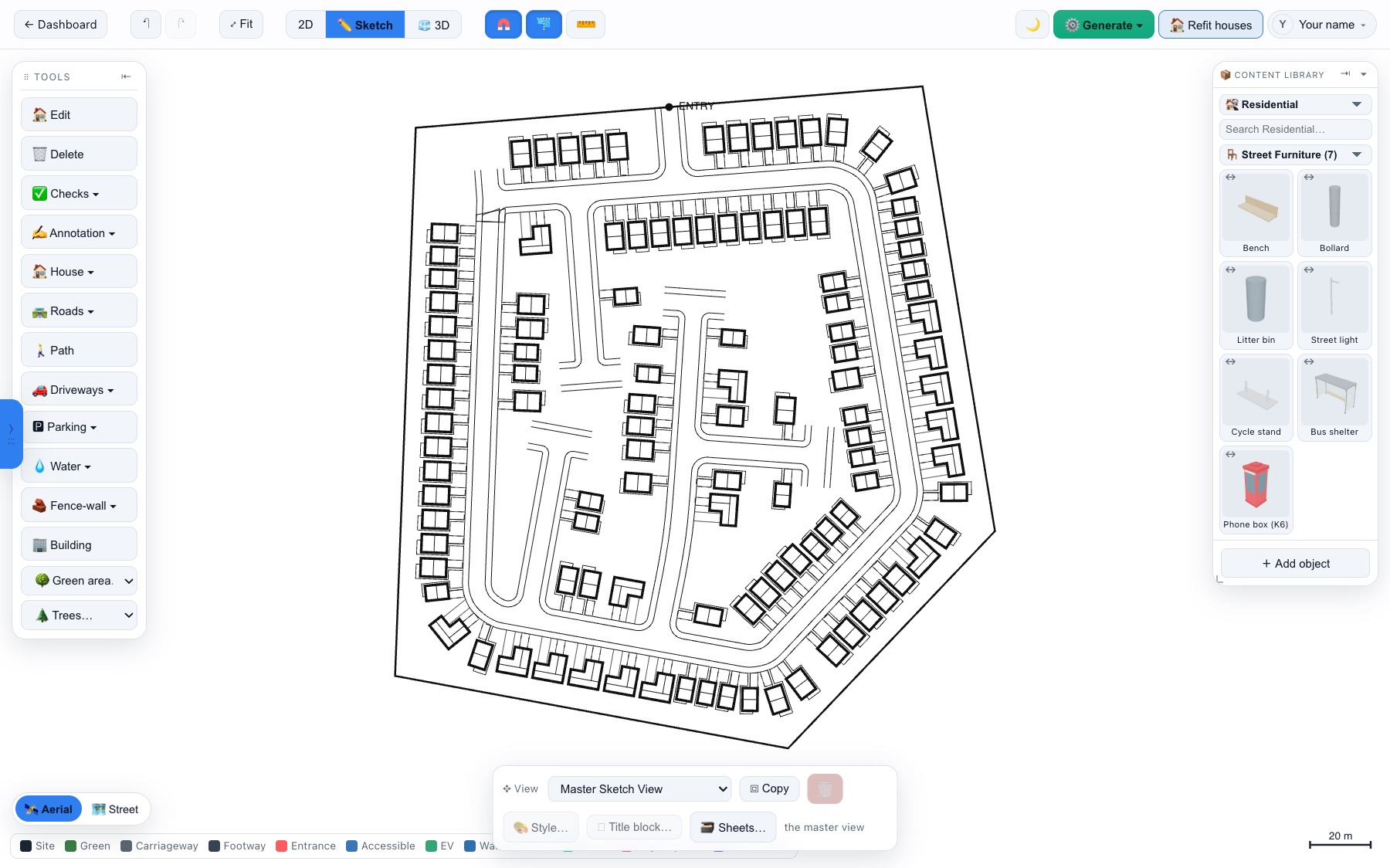
Gen 2 — organic (default)
The newer engine designs like a UK masterplanner: it runs a primary street in from the entrance following the natural "spine" of the site, then hangs courts, loops and cul-de-sacs off it, and fronts houses onto every street. Results look like real housing estates — flowing, hierarchical and efficient, especially on irregular sites.
Gen 1 — ladder grid
The original engine sweeps parallel access streets across the site at the best angle and packs houses along them. It is fast and very regular — useful on simple rectangular sites, or when you want a grid.
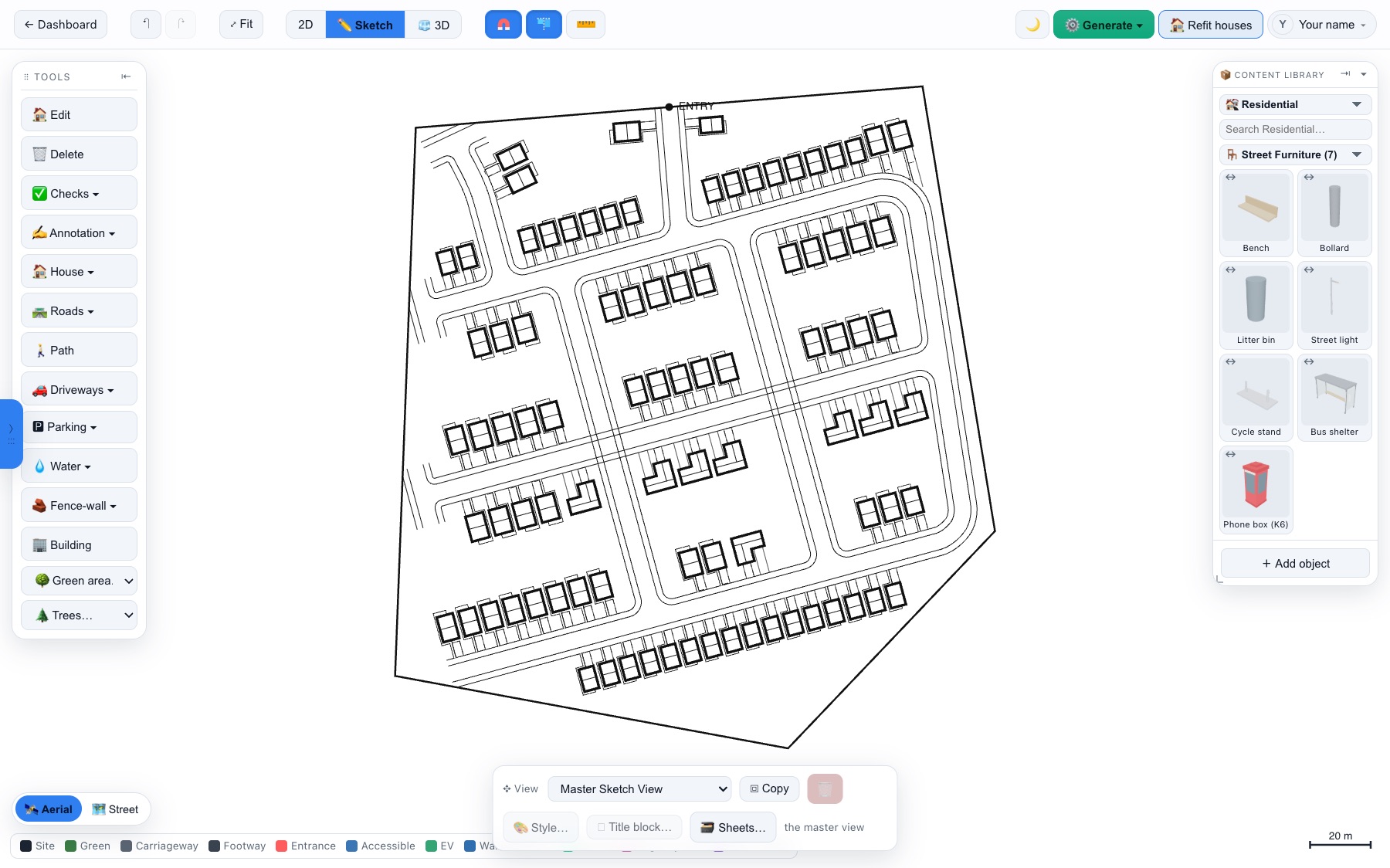
Which to use
| Use Gen 2 when… | Use Gen 1 when… |
|---|---|
| The site is irregular, concave or sloping in shape | The site is a simple rectangle |
| You want a natural, adoptable-looking street pattern | You want maximum regularity or a grid |
| You want the highest plot count on an awkward shape | You want the fastest possible result |
Frontage gap-fill
Whichever engine runs, the layout finishes with a gap-fill pass over every street, court and shared drive. Both engines lay houses out block by block and leave usable frontage behind; the fill sweeps each road once more and drops houses into what is left. It only ever adds — every house the engine placed is kept — so a generated layout now arrives at the density you would otherwise only get by pressing Refit houses. On the sites we measured it adds 2–20 homes, and far more on the occasional sparse draw.
Try it on your own site
Turn a boundary into an optimised UK layout in minutes — free to start.
Open the app →