Car-park areas & the parking cycler
Airship has a dedicated surface car-park mode. Draw the area, generate, and refine — the same design-then-tune loop as the estate generator.
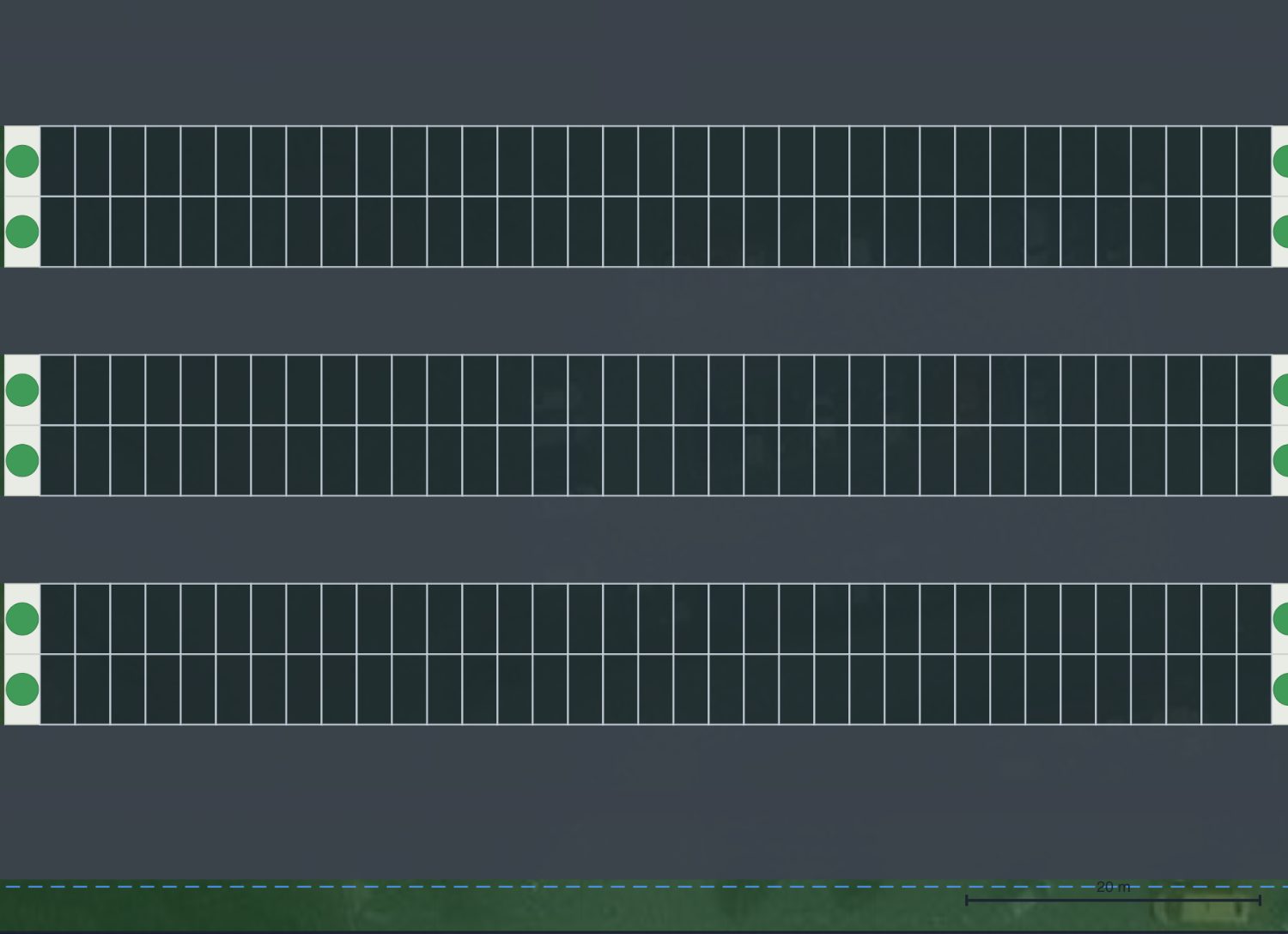
Editing individual spaces
Double-click a car-park area to edit its spaces. Click any space to select it, and the bar offers what you can do to it: mark it accessible, EV, visitor or parent & child, plant it as an island, or remove it.
Every one of those already existed, each behind its own marking tool — you had to know which mode to be in before you could touch a space. This puts them on the space itself.
A removed space leaves a dashed ghost; click the ghost to put it back, or Restore all to bring back every one in the scheme. Removals persist across re-solves, so re-running the parking does not undo them.
Draw the area
Use the Car park area tool (🅿) to draw the extent of the parking. Then open Generate ▸ Car park to fill it with bays and circulation aisles, working around obstacles and islands.
The parking cycle bar

A dedicated bar appears with car-park options: bay count, angle, rotate, best-fit, end-of-aisle tree islands, edit aisles, and a live toggle — so you can trial arrangements quickly and pick the one that fits the most cars.
On an event site: temporary event parking
On an event site a car-park area is one of two types. 🚩 Temporary event parking is parking on open ground for a short event such as a festival: the same engine lays the same rows and the same number of spaces as a standard car park would with the same sizes (end-of-aisle islands off), but nothing is built. The gaps between the double rows are kept as open-ground lanes that stewards marshal cars along, and nothing is drawn in them: no aisle, no tarmac, no kerb, no island, no white lining and no arrows. 🅿 Standard car park is a built car park with aisles and tarmac, exactly as on any other site.
- 2D: each space is a fine dashed outline with a faint fill. An accessible, EV, visitor, parent & child or VIP space keeps its colour and its symbol, drawn as outlines. The area keeps its own dashed outline, captioned TEMPORARY PARKING; Show zones, bottom left, hides the outline on the live plan.
- Sketch view and sheets: the spaces are dashed ink outlines under the Parking row, so hiding Parking hides them too.
- 3D: the spaces are flat outlines with a faint see-through fill lying on the grass, with no surface, kerbs or painted lines. A marked space's fill is stronger, in its own colour, so accessible, EV and VIP spaces can be told apart.
- DXF: the spaces are dashed outlines on their own layer, EVT_PARKING. A marked space keeps its symbol in the drawing export and carries its code (ACC, EV, VP, P&C or VIP) as text in Model geometry only. The layer is declared only on a design that has temporary parking.
A new area drawn on an event site starts as temporary event parking. An area saved before this option existed stays a standard car park until you switch it. To switch an area, select it and use the type list on its edit bar, or right-click it and choose Make it temporary event parking or Make it a standard car park. Only that area is laid out again: it keeps its orientation, every other area keeps its spaces and marked spaces exactly, and the switch is one undo step. A locked area keeps its type until you unlock it, and a view-only session cannot change it. A temporary area cannot be exploded into editable aisles (its lanes are open ground, not aisles), and its spaces cannot be planted as islands. While every area is temporary, the options bar leaves out Islands, Radius ends and Edit aisles, which do nothing there. A space along a hand-drawn 🚙 parking aisle that stands inside a temporary area is indicative too; the aisle itself is the surface you drew.
The spaces count exactly as a standard car park's do: in the parking supply, the stats, the Car park against cars expected check, the walk from each car park to the entry, and the hire schedule's car-park marshalling allowance per 100 spaces for the live days. The emergency route is still routed to a temporary area, but its open ground is not counted as hard standing: where a fire appliance's swept path crosses it, the check reports the appliance leaving the drivable surface.
Try it on your own site
Turn a boundary into an optimised UK layout in minutes — free to start.
Open the app →