How search results are ordered
Results are ordered: preferred for this object type, then your favourites, then those that fit this pitch, then by business name. No vendor can pay to appear higher.
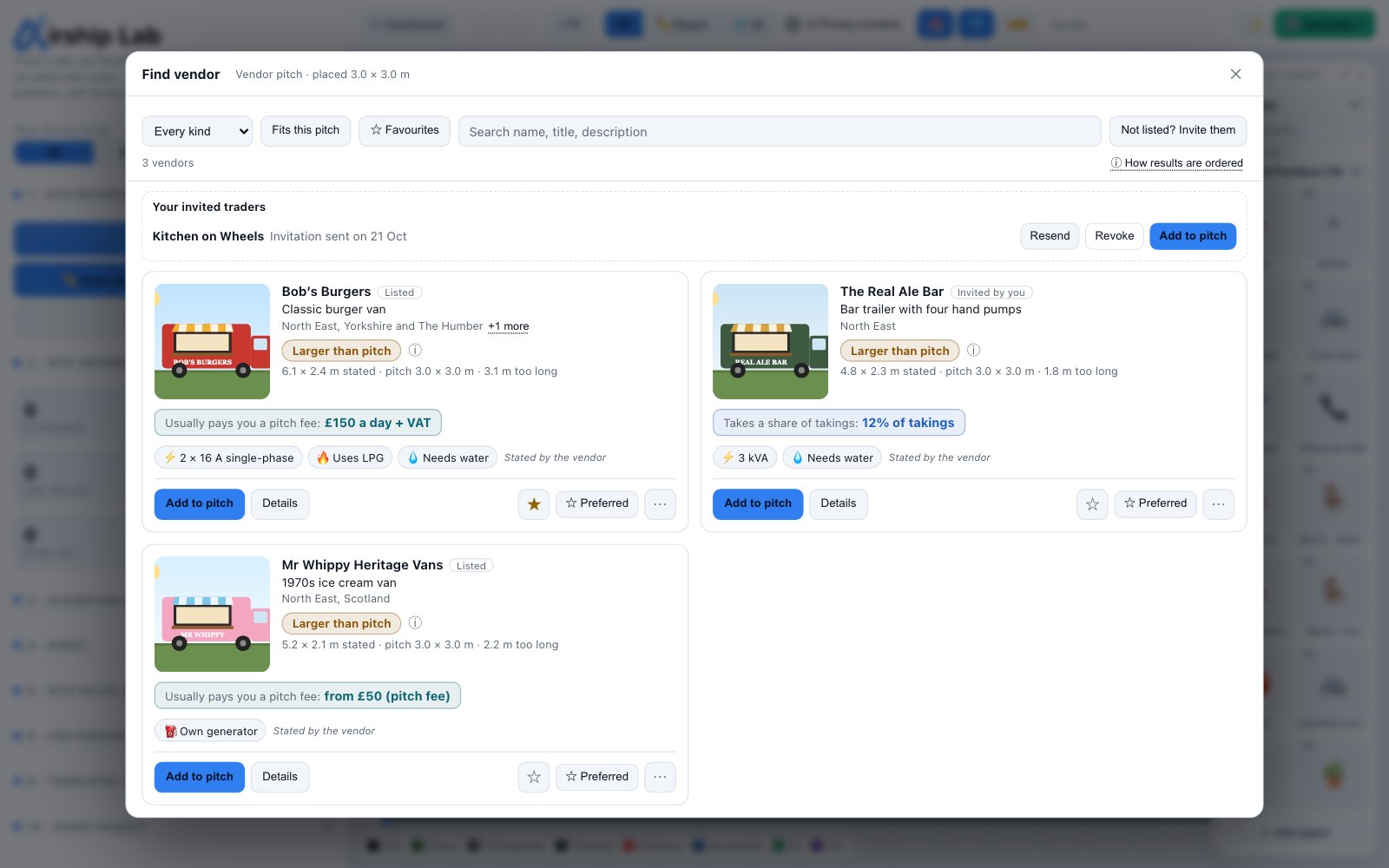
- ★ Preferred for the object type you are searching from, in your workspace.
- Your favourites.
- Those whose stated size fits the pitch, then those with no size stated, then those that do not fit.
- Business name, A to Z.
- Finally the listing, so the order is the same every time.
With Fits this pitch on, cards that do not fit are hidden and counted, with a link to show them.
Try it on your own site
Turn a boundary into an optimised UK layout in minutes — free to start.
Open the app →